Free Student Notes Paper Pack
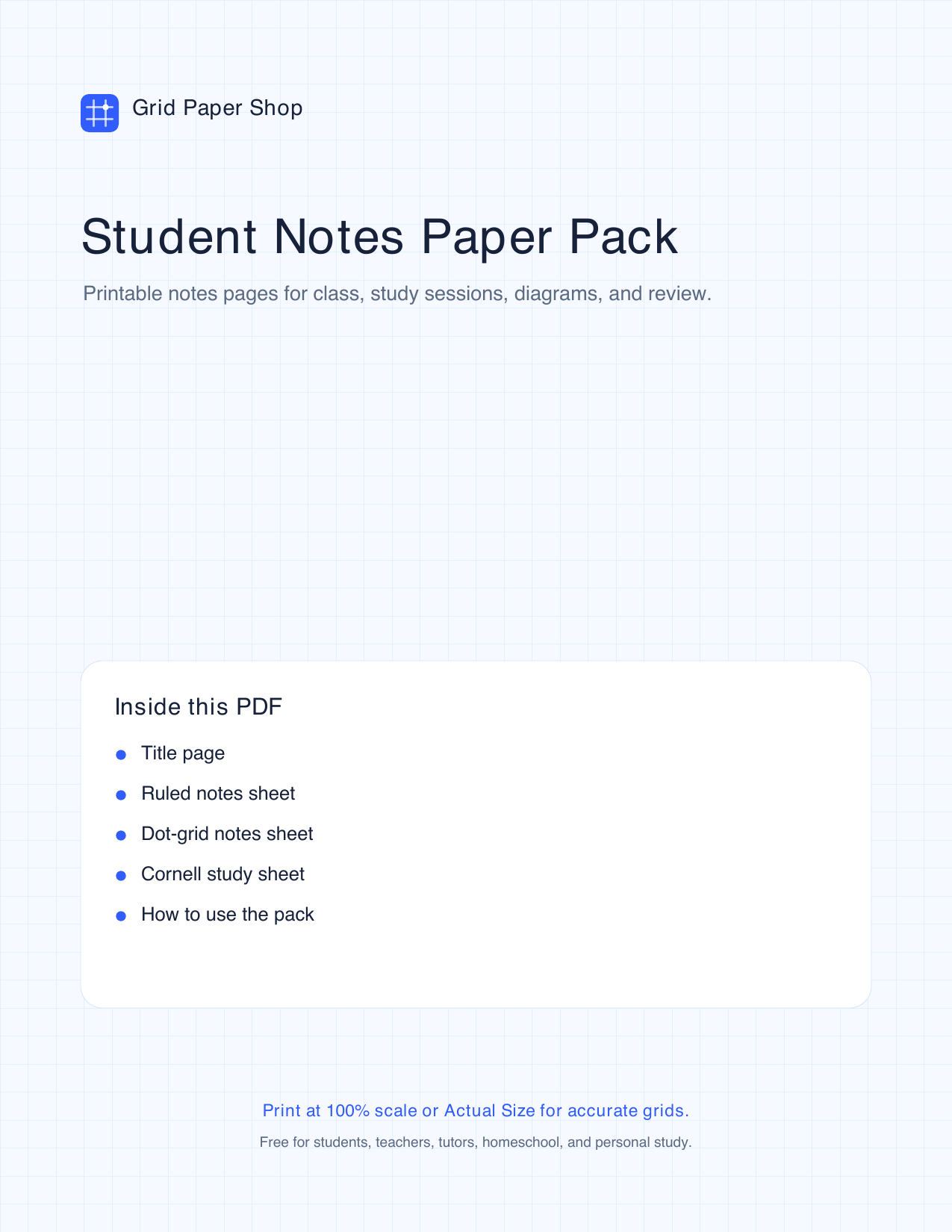
A free printable graph paper pack for class notes, study sessions, reading notes, diagrams, formulas, and review. This five-page PDF includes a title page, ruled notes sheet, dot-grid notes sheet, Cornell study sheet, and a how-to-use page.
Print with confidence
- Download the PDF and print at 100% scale or Actual Size.
- Preview images on this page match the pages inside the pack.
- Use the print calibration sheet if exact spacing matters.
Print selected pages
Pick only the pages you need, then choose how many copies to print.
What's inside the pack
- Title page — a cover for class binders, homework folders, or study packets.
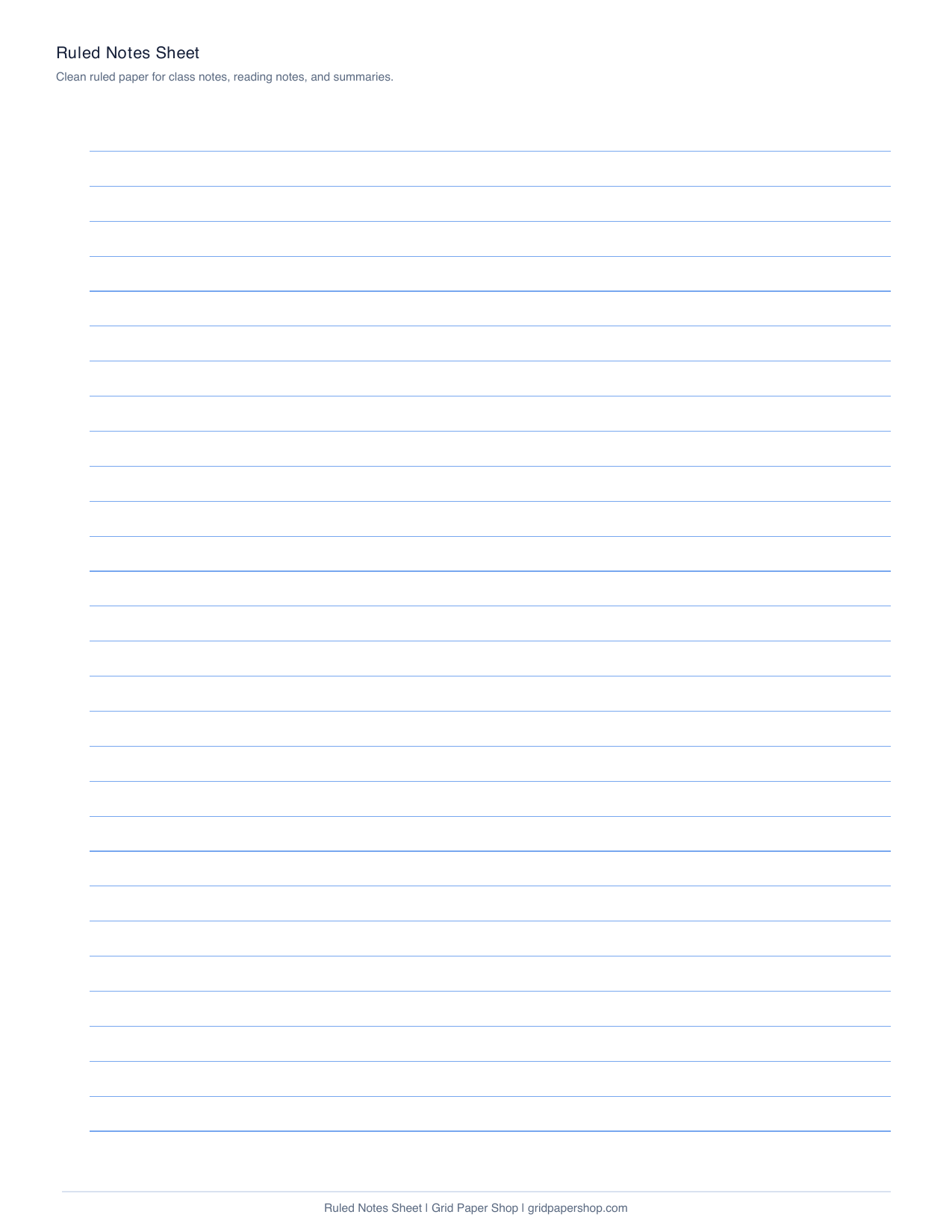
- Ruled notes sheet — reading notes, class notes, summaries, and lists.
- Dot-grid notes sheet — diagrams, formulas, mind maps, and mixed notes.
- Cornell study sheet — active recall, lecture review, and textbook notes.
- How to use the pack — simple page choices and study workflow tips.
Preview the templates
Click any preview to open the full printable PDF pack in a new tab. The preview images show all five pages in the same order as the download.


Who the student notes pack is for
- Students who want a few clean note styles in one download.
- Teachers and tutors printing study sheets for lessons and review.
- Homeschool families organizing reading, math, science, and projects.
How to choose a page
- Use ruled notes for regular class notes and summaries.
- Use dot-grid notes when words, diagrams, and equations share the page.
- Use Cornell notes when you want built-in review questions and a summary.
License and sharing
- Free for students, teachers, tutors, homeschool, and personal study.
- For custom note layouts, open the Cornell notes generator.
Frequently asked questions
Is the student notes paper pack free?
Yes. The printable graph paper PDF is free to download and print for students, teachers, tutors, homeschool, and personal study.
What pages are included?
The pack includes a title page, ruled notes sheet, dot-grid notes sheet, Cornell study sheet, and a how-to-use page.
Which page is best for regular class notes?
Use the ruled notes sheet for normal class notes, reading notes, and summaries.
When should I use the dot-grid notes page?
Use dot-grid notes when you need diagrams, formulas, mind maps, sketches, or mixed note styles on one page.
How should I print it?
Print at 100% scale or Actual Size, then print only the page type you need for that class or study session.